Issuer Operator
Issuing a credential
Hand a credential to a holder by generating an offer they can claim from their wallet.
Cyfher issues credentials via the OpenID4VCI flow: you create a credential offer, the holder’s wallet redeems it, and the wallet receives the actual signed credential. You never push a credential straight to a holder — the wallet always pulls.
There are two ways to create offers: through the portal Distributions wizard, or by calling the API directly.
Prerequisites
- An active credential configuration.
- At least one signing key attached to that configuration.
Path A — Portal (Distributions wizard)
Cyfher does not have a dedicated “New credential” form for one-off issuance. Whether you’re issuing one credential or ten thousand, the path through the portal is the same:
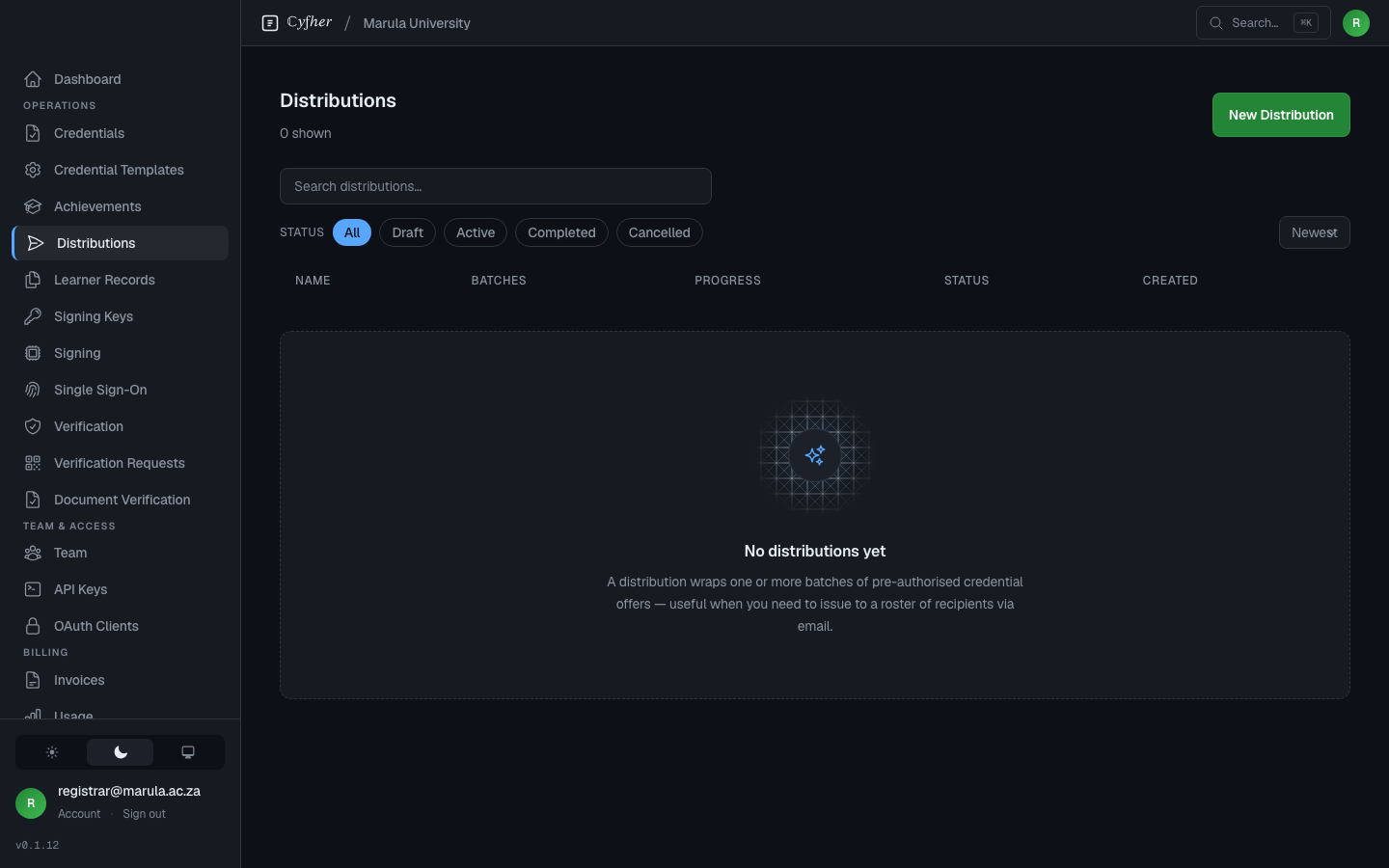
- Go to Distributions in the portal sidebar.
- Click New Distribution, pick the credential configuration, and create the distribution.
- Open the distribution and click New Batch.
- In the wizard, choose Configure (config + expiry + email notification copy), Upload (the recipient CSV — for one credential, a CSV with a single row works fine), Review, then Commit Batch.
- Click Distribute on the committed batch to send the email notification(s).
Each row in the batch becomes one credential offer. Recipients receive an email with a claim link that opens their wallet.
Full wizard details are in Bulk distribution — the workflow is identical regardless of batch size.
Path B — API
Programmatic issuance follows the same Distribution → Batch → Offers → Commit → Distribute sequence, but in HTTP calls.
Auth: every request needs an API key minted under API Keys in the portal sidebar (in the Team & Access group), sent as Authorization: ApiKey <your-key> (or X-API-Key: <your-key>). When both headers are present, Authorization wins.
POST /api/t/:slug/distributions
  { "credential_configuration_id": "<config-id>",
    "name": "Spring 2026 cohort" }

POST /api/t/:slug/distributions/:distribution_id/batches
  { "expires_at": "2026-12-31T23:59:59Z",
    "notification_subject": "Your credential is ready",
    "notification_body": "Click to claim …" }

POST /api/t/:slug/batches/:batch_id/offers
  { "offers": [
      { "email": "alice@example.com",
        "claims": { "given_name": "Alice", "family_name": "Doe" } }
    ] }

POST /api/t/:slug/batches/:batch_id/commit
POST /api/t/:slug/batches/:batch_id/distribute
After distribute, each offer has a claim_url you can either let Cyfher email out (default) or fetch via GET /api/t/:slug/batches/:batch_id/offers and embed in your own UX (e.g. on a “Download your credential” page in your app).
Full schemas, response shapes, and error codes are in the API reference.
What the holder sees
When they open the claim link (either by tapping the email link or scanning a QR code that encodes the same URL):
- The wallet opens and fetches the offer metadata from your tenant’s well-known endpoint.
- It shows the holder a preview: issuer identity, credential name, claims that will be stored.
- The holder confirms and the wallet exchanges the offer for the actual signed credential.
For pre-authorized offers (the default) no further holder interaction is required. For authorization-code flow offers, the holder is sent through your tenant’s login first to prove identity — used when you want to bind issuance to a verified identity at claim time rather than at issuance time.
Offer lifecycle
Each offer is one-shot: once redeemed, it can’t be redeemed again. Until then:
- Resend the notification email —
POST /api/t/:slug/offers/:id/resend, or click Resend in the portal offer list. - Cancel an unredeemed offer —
POST /api/t/:slug/offers/:id/cancel, or click Cancel in the portal.
After redemption, the issued credential lives under Credentials in the portal. You can suspend or revoke it from there. For SD-JWT VC and W3C VC (OB3 achievements, EndorsementCredentials, CLRs) credentials, the change is embedded as a token-status-list reference in the credential, so verifiers and wallets see the revoked/suspended status within minutes. mdoc credentials are marked revoked in the portal and via the API, but ISO 18013-5 defines no status-list slot, so the change is not yet visible to a verifier of the mdoc token itself (a strict verifier rejects an unresolvable mdoc status rather than accepting it).